Every entity type
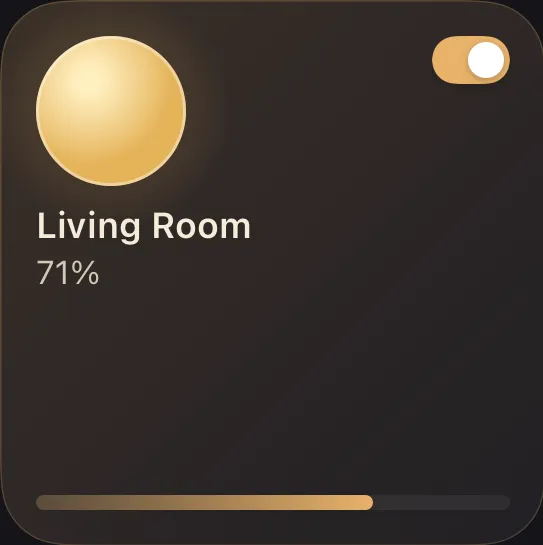
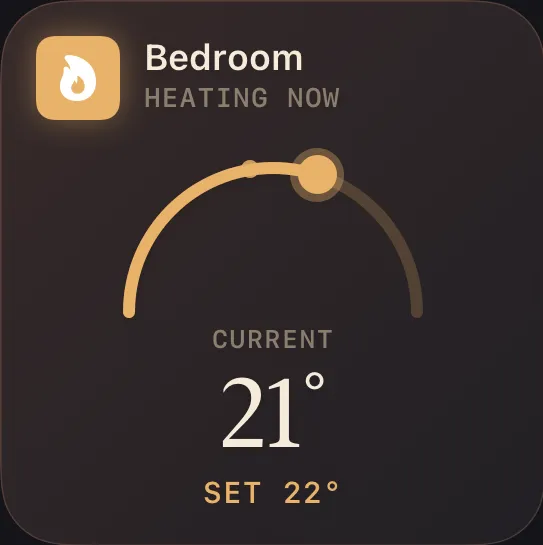
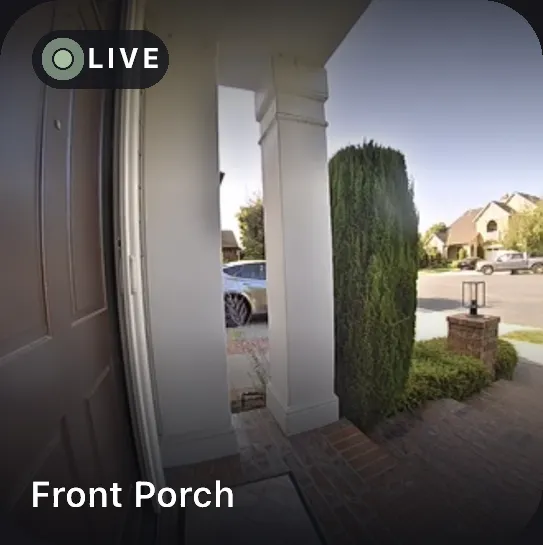
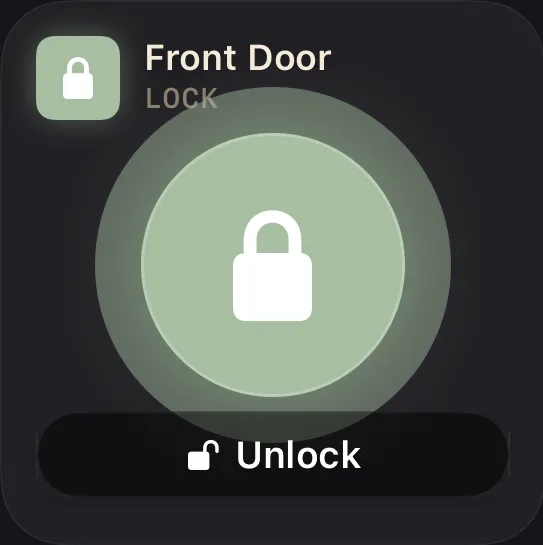
Lights, locks, climate, cameras, covers, fans, sensors — every Home Assistant domain renders as its own purpose-built tile.
One dashboard for every device in your home — designed for iPhone, iPad, and Mac.
Every device in your home becomes a tile you can size, control, and arrange — a dashboard that works the way you picture your home.
Lights, locks, climate, cameras, covers, fans, sensors — every Home Assistant domain renders as its own purpose-built tile.
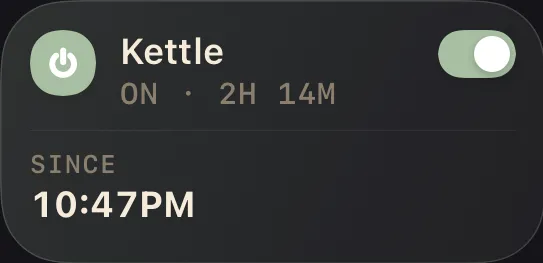
One tile, two faces — it surfaces what matters, depending on what the device is doing.
Bundle several lights into one tile. A tap toggles them all; brightness averages the room.
Toggle and slide without leaving the dashboard — or tap in for the full, domain-aware drawer.
Small, medium, or large — give the things you check most the room they deserve.
Drop into edit mode and every tile lifts — drag it exactly where you picture it.
Color any sensor tile by its reading — Halo paints it as values cross the thresholds you set.
Lock Mode puts a 4-digit PIN over Settings and every structural edit — adding tiles, deleting views, rearranging the grid. Tapping tiles and using drawers keeps working, so kids, house guests, and short-term-rental visitors can run the home without reshaping the dashboard you built.
Lock Mode is a child-lock, not a security boundary — pair it with iOS Screen Time for device-level limits.
Halo has no backend and no account — there's nothing to sign up for. It talks straight to your Home Assistant and syncs only through your own private iCloud, with no third-party analytics or ad SDKs anywhere in the app. Your long-lived access token is stored in the iOS Keychain, encrypted at rest.
No Home Assistant yet? Tap Try Demo Mode and explore a fully-populated Halo with sample devices — tiles, drawers, the whole experience — then connect your real home whenever you're ready.
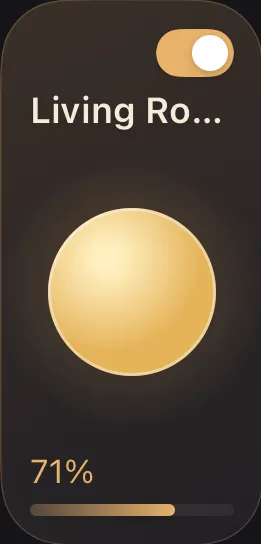
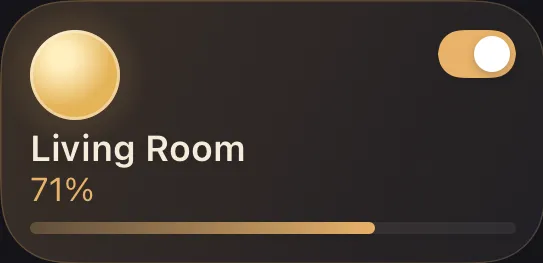
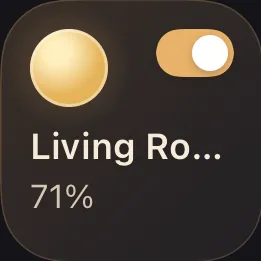
Brightness, color, color temperature
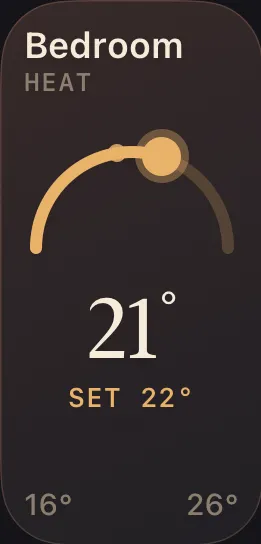
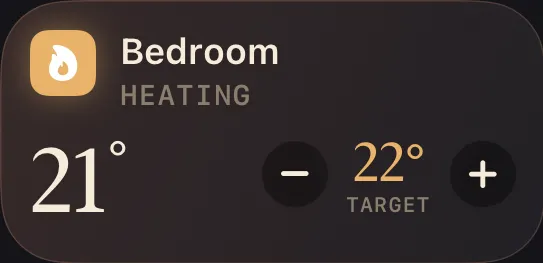
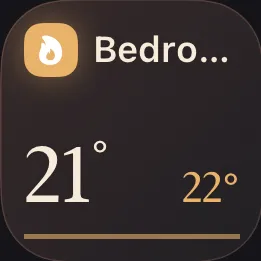
Setpoint, mode, and live temperature
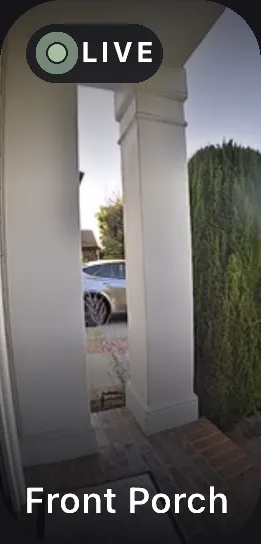
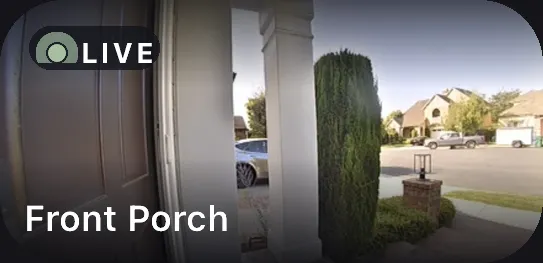
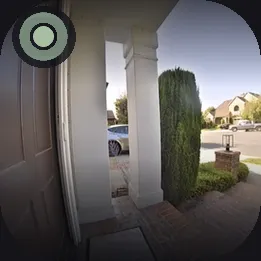
Live snapshot and full stream
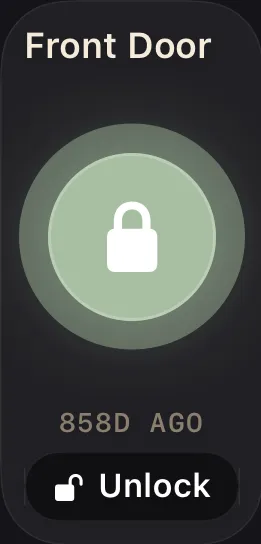
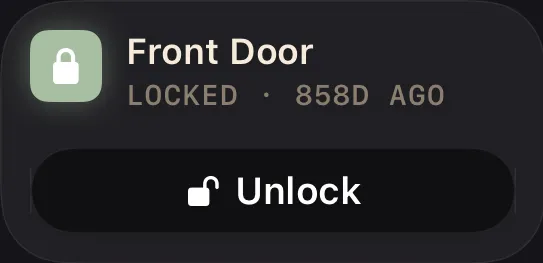
Lock state with Face ID confirm


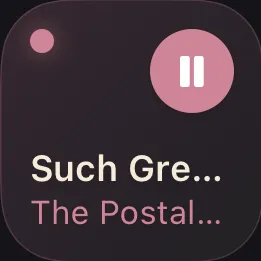
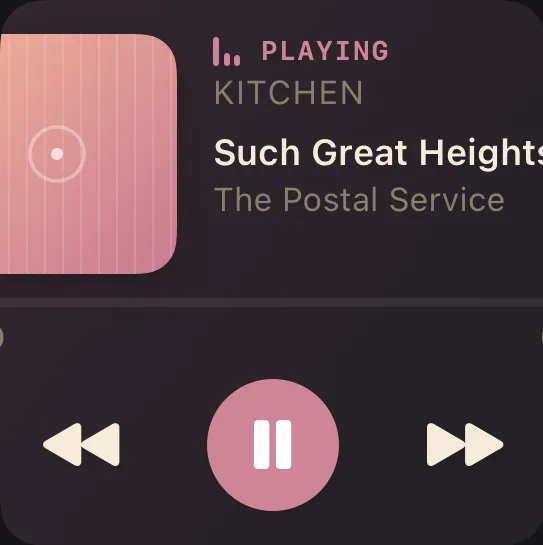
Transport controls and now-playing
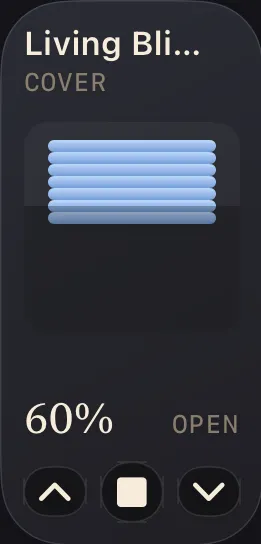
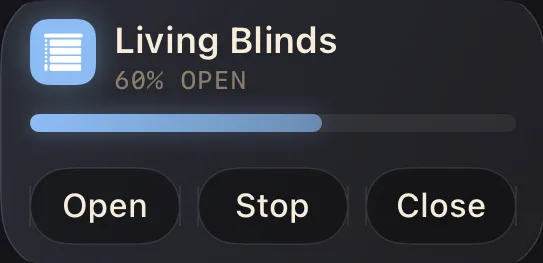
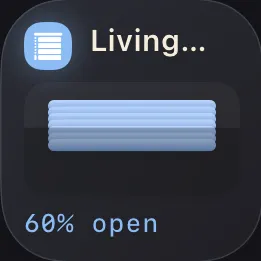
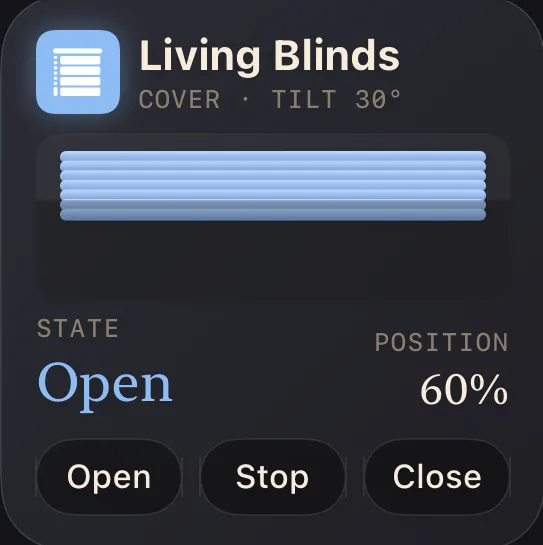
Open, close, and set position
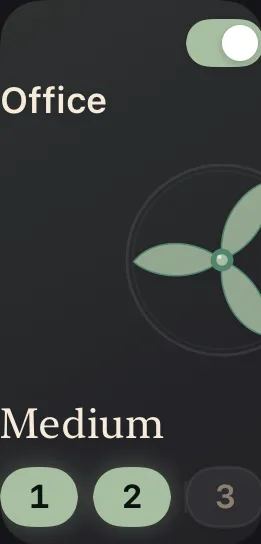
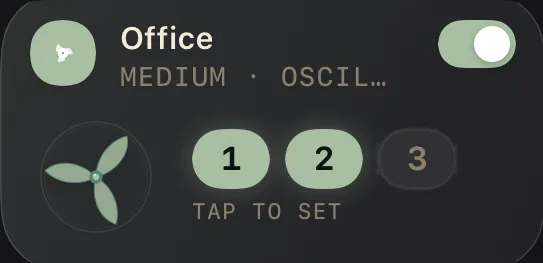
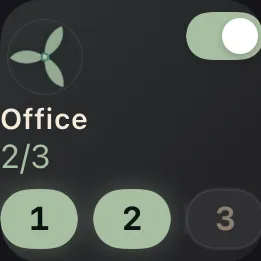
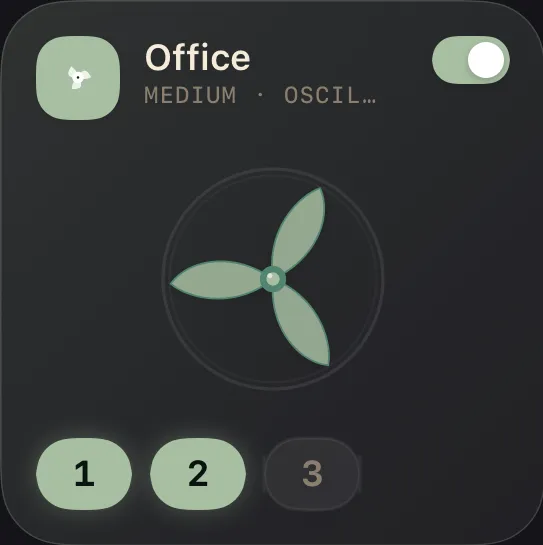
Speed, oscillation, and presets
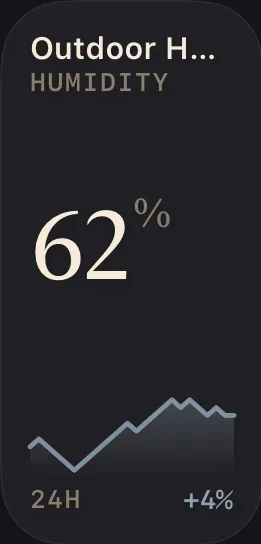
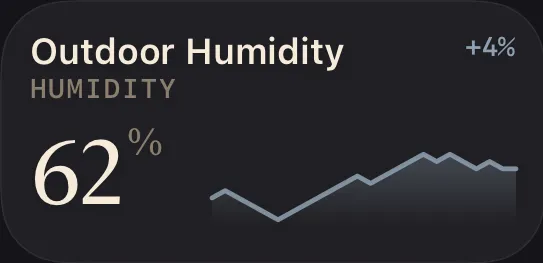
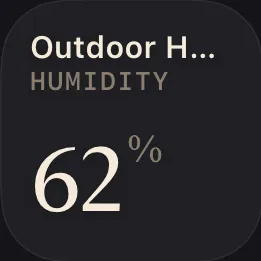
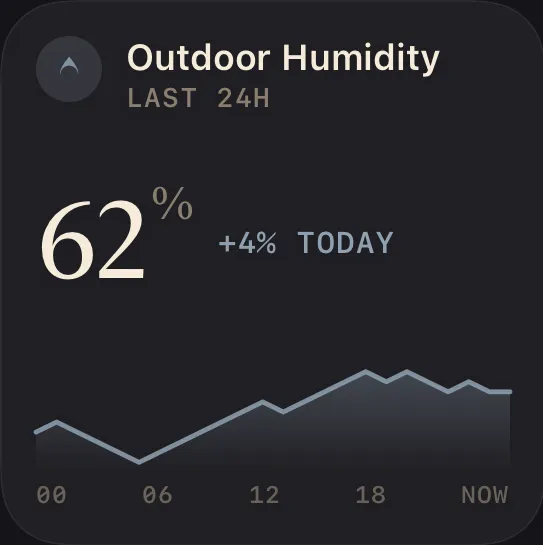
Any reading, at a glance
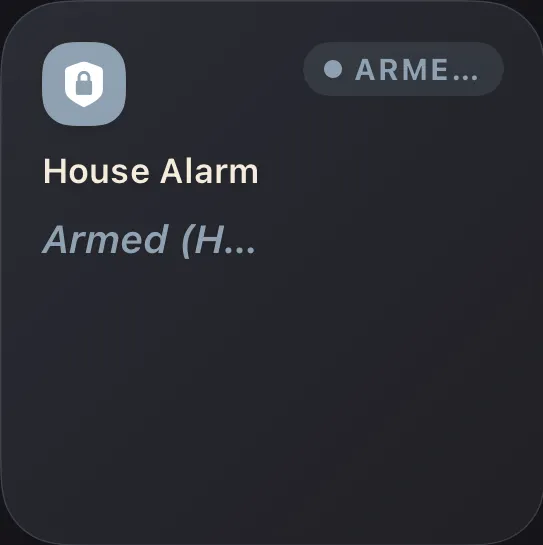
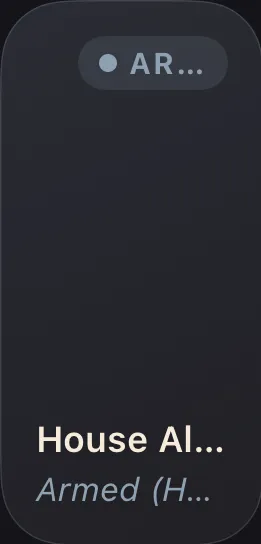
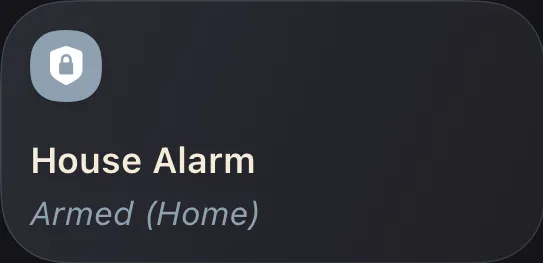
Arm and disarm securely
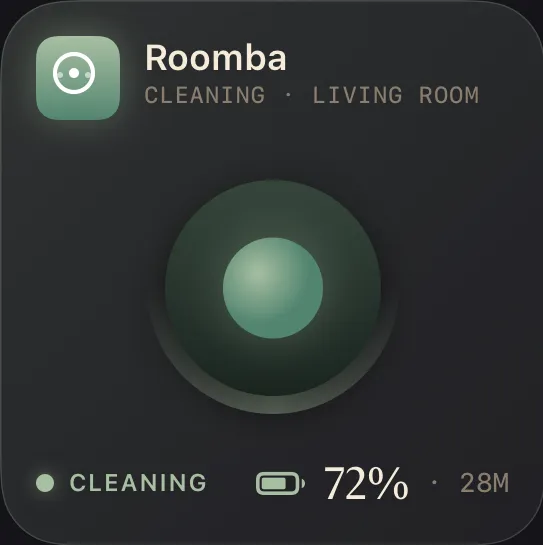
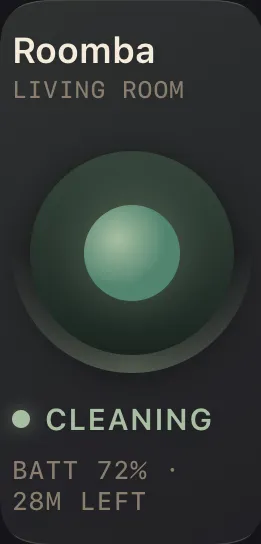
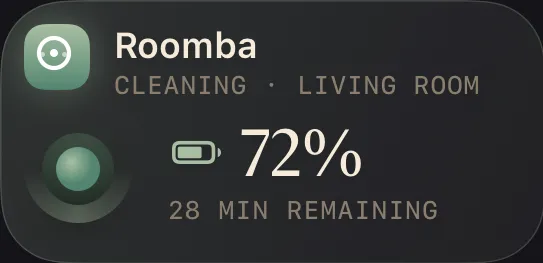
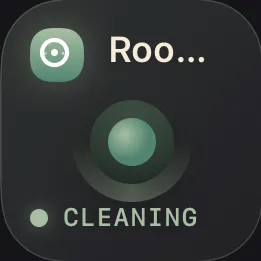
Start, dock, and status
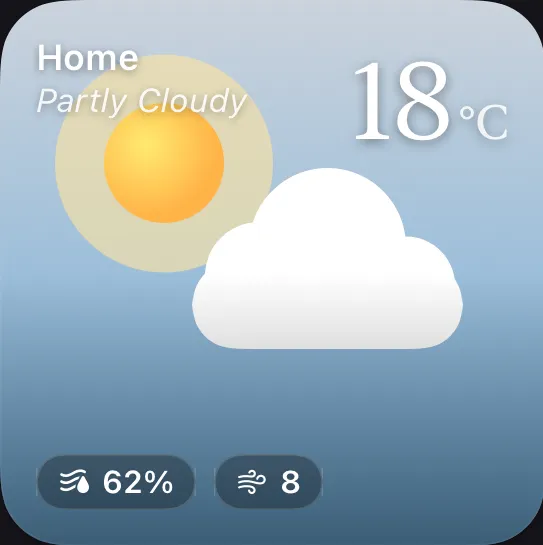
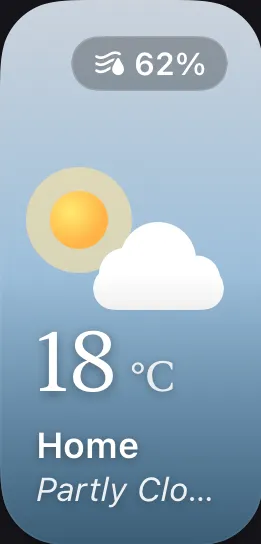
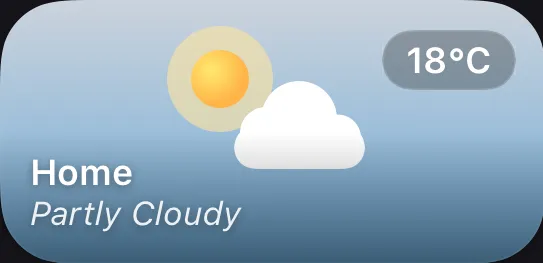
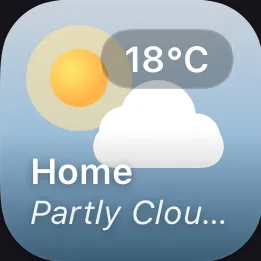
Forecast and conditions
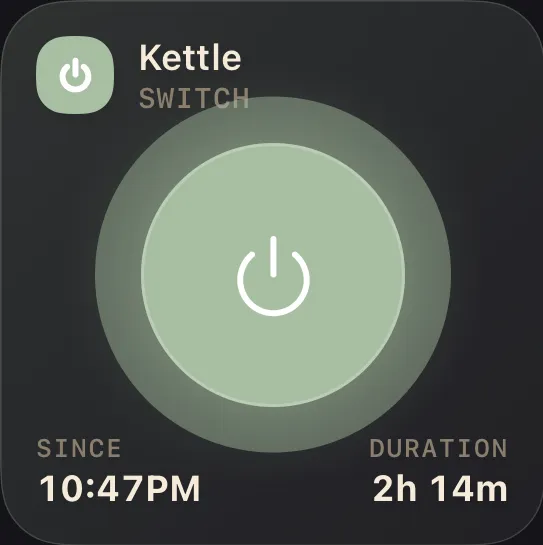
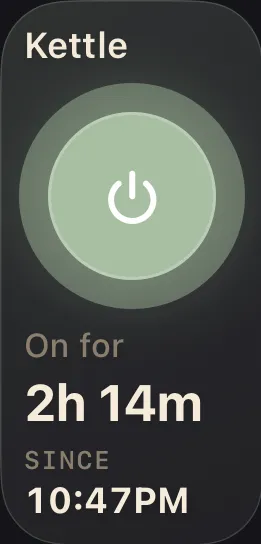
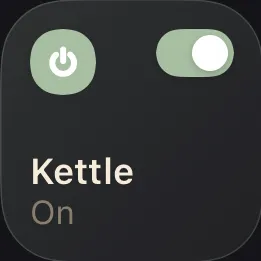
Simple on / off control